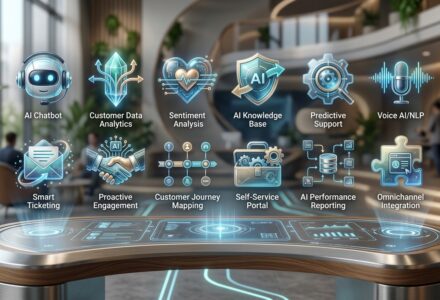
TL;DR AI customer service automation in 2026 has 4 layers: ticket triage, first response automation, end to end resolution, and escalation logic. Each layer has its own top platforms. Get all 4 right and you hit 70 to 85 percent containment with under 1 percent hallucination rate. Get any one wrong and the deployment quietly degrades. If you want voice automation handled in 48 hours, CallSetter AI builds AI voice agents with the full automation stack pre wired.

The 4 layer AI customer service automation stack. Triage, first response, resolution, and escalation logic.
Most “AI automation” articles treat customer service as one thing. It is not. Modern automation has 4 distinct layers and each one needs its own design.
Layer 1: Ticket triage. What the inbound ticket is about. Category, intent, urgency, sentiment, language. The triage layer routes the ticket to the right next step (auto resolve, AI assist, human, escalate). Top tools: Forethought, Intercom Fin (built in), Zendesk AI Triage.
Layer 2: First response automation. The agent’s first message to the customer. Greeting, acknowledgment, initial answer or clarifying question. Even if the ticket cannot be fully resolved by AI, automating the first response cuts time to first response from hours to seconds. Top tools: Intercom Fin, Help Scout AI Drafts, Zendesk AI Generate.
Layer 3: End to end resolution. The agent reads the conversation, retrieves knowledge, calls tools, and resolves the ticket without a human. This is the headline category and where the highest ROI lives. Top tools: Intercom Fin, Decagon, Sierra AI, Ada.
Layer 4: Escalation logic. When the agent should transfer to a human. Customer asks for one, sentiment turns negative, sensitive category, agent fails twice. Most platforms have this built in but the rules need to be configured for your business. Top tools: any of the above with proper configuration.
For the broader category guide, see the AI customer service playbook.
The first thing the AI does on every inbound ticket. Triage decides what happens next.
What it does. Reads the inbound message. Classifies the category (billing, account, returns, FAQ, complaint, etc.). Tags the urgency (low, medium, high, critical). Detects the sentiment (positive, neutral, negative). Identifies the language. Routes the ticket to the right destination.
Why it matters. Triage is the foundation for everything downstream. If the AI mis classifies a ticket, it routes to the wrong queue, sends the wrong first response, or fails to escalate when it should. Bad triage breaks the rest of the automation stack.
Top tools for triage:
Triage accuracy benchmarks. Modern triage hits 92 to 97 percent accuracy on category classification, 88 to 94 percent on sentiment, and 95 to 99 percent on language detection. Below 90 percent on category and the downstream automation breaks.
Setup tips.
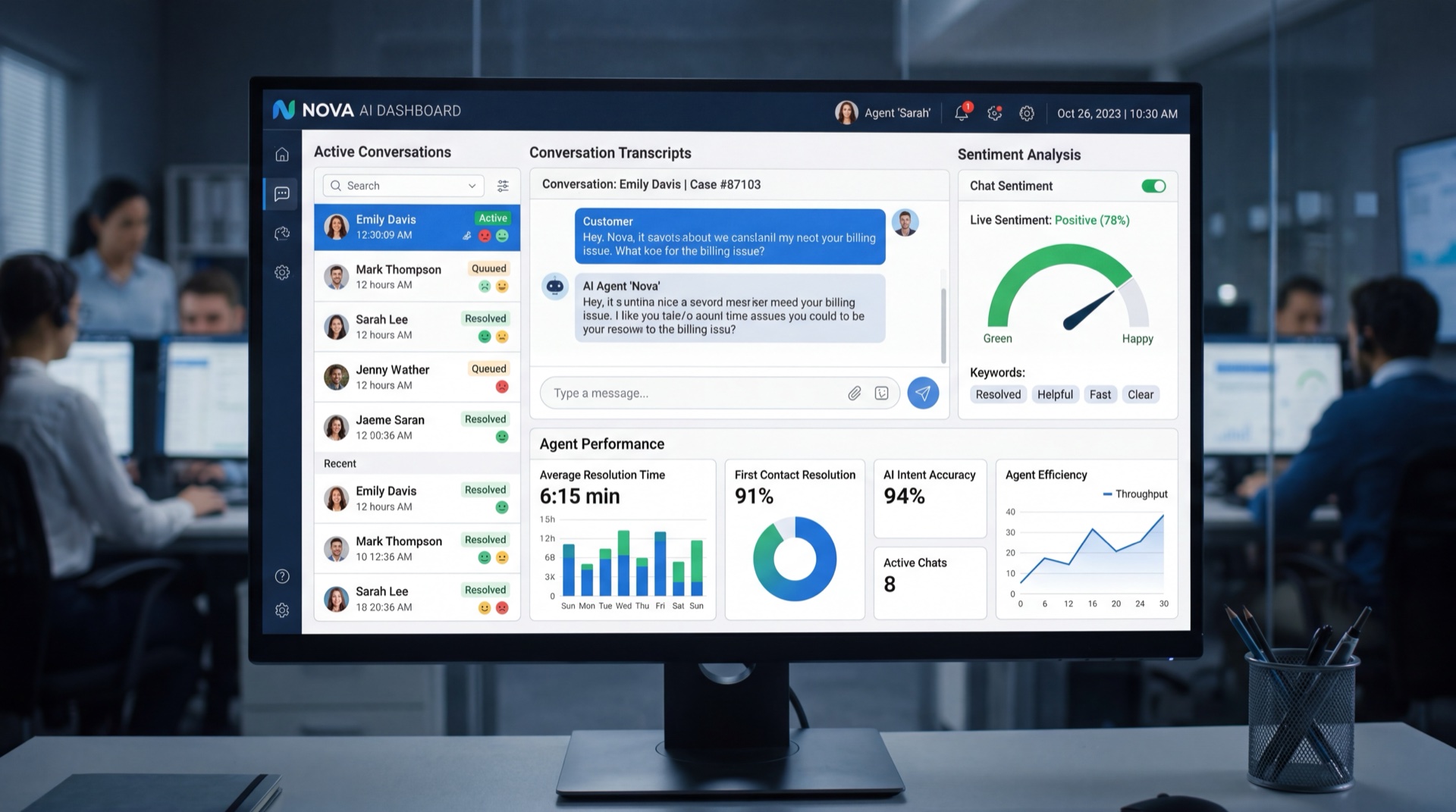
The agent’s first message to the customer. Even if AI cannot resolve the ticket, automating the first response is the fastest CSAT improvement available.
What it does. Generates the first response in 800ms to 3 seconds. Acknowledges the customer’s issue. Provides initial information. Asks clarifying questions if needed. Sets expectations for next steps.
Why it matters. Average first response time on email at human teams is 4 to 12 hours. AI cuts this to seconds. CSAT lifts even before resolution rate improves. Customers feel heard immediately instead of waiting hours.
Top tools for first response:
Best practices.
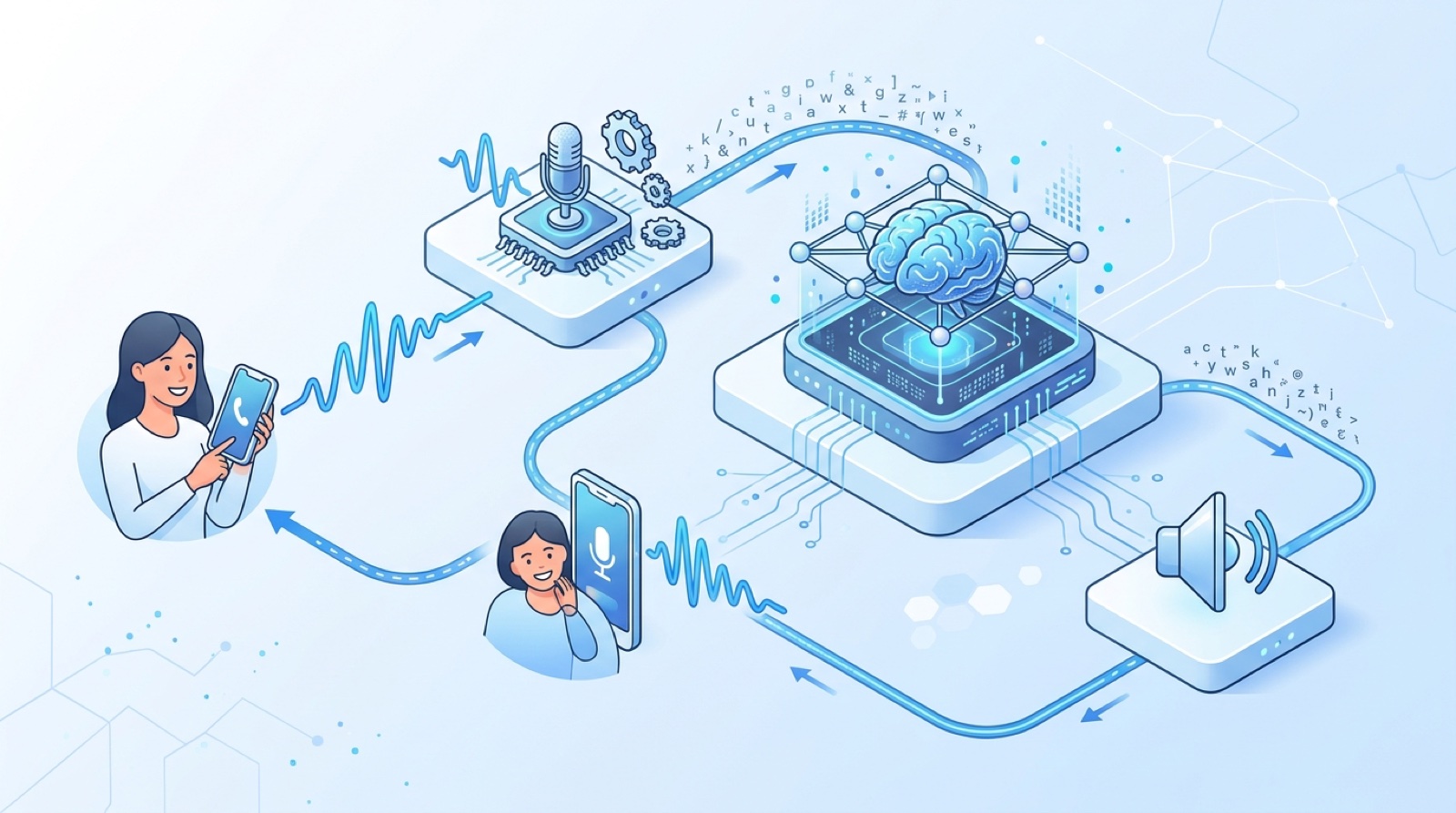
First response time. Human only averages hours. AI assist (drafts) averages minutes. Full AI averages seconds.
The headline layer. The agent reads the conversation, retrieves knowledge, calls tools, and resolves the ticket without a human touching it.
What it does. Reads multi turn conversations. Retrieves relevant knowledge from your help center, internal docs, past tickets. Calls tools to take real action: refund a charge, change shipping, reset a password, update a subscription, cancel an account, look up an order. Confirms resolution with the customer. Logs the interaction.
Why it matters. This is where the cost savings live. End to end resolution cuts cost per ticket from $5 to $15 (human) to $0.20 to $0.80 (AI). At 8,000 tickets per month at 60 percent containment, the savings are around $130,000 per month for a typical mid market SaaS company.
Top tools for end to end resolution:
Containment benchmarks by use case:
For more containment data see AI customer service examples.
Voice automation in 48 hours. CallSetter AI builds AI voice agents with the full automation stack pre wired. Triage, first response, end to end resolution, and escalation rules all configured for your industry.
When the agent should hand off to a human. Most teams under invest in this layer and pay for it later.
The 5 escalation triggers that matter:
Where the rules go. Configured in the platform’s escalation tab (Intercom Fin, Zendesk AI, Decagon all have these). Plus a system prompt instruction reinforcing the rules. Plus a tool the agent can call to “transfer_to_human” with a reason.
Common escalation mistakes:
Best practice. Every escalation should hand the human a 2 sentence summary of the conversation, the customer’s account info, the action attempted, and the reason for escalation. Most platforms support this natively.

The 4 layers in the order they execute on every ticket.
INBOUND TICKET
   ↓
LAYER 1: TRIAGE
   - Category, intent, urgency, sentiment, language
   - Route decision
   ↓
LAYER 2: FIRST RESPONSE
   - Acknowledge specifically
   - Set expectations
   - Begin resolution or ask clarifying question
   ↓
LAYER 3: END TO END RESOLUTION
   - Retrieve knowledge
   - Call tools to take action
   - Confirm with customer
   - Log to CRM
   ↓
LAYER 4: ESCALATION (if triggered)
   - Hand off to human with full context
   - Continue logging in same ticket
   ↓
TICKET CLOSED OR HANDED TO HUMAN
This is the standard 2026 deployment architecture across SaaS, ecommerce, fintech, and service businesses.
The 4 week build.
Week 1: Audit and triage setup
Week 2: First response and resolution
Week 3: Escalation logic
Week 4: Soft launch and tuning
For the deeper version see the main pillar.
Skipping triage. Going straight to first response without triage means the agent is guessing about category and urgency. Triage is the foundation.
Treating first response as autoresponder. A modern first response is personalized, specific, and sets clear expectations. Generic “thanks for reaching out” is worse than nothing.
Trying to resolve everything end to end. Pick the high resolvability categories first (order status, password reset, FAQ). Save complex categories for later phases.
No escalation rules. Every agent needs clear escalation triggers. Without them, frustrated customers loop and rage.
Escalation without context. Transfers should include conversation summary, customer info, action attempted, and reason. Otherwise the human picks up cold.
Not measuring per layer. Track triage accuracy, first response time, resolution rate, and escalation accuracy separately. The 4 layers fail in different ways and need different fixes.
Set and forget. All 4 layers drift over time. Knowledge bases get stale, triage models drift, escalation rules become outdated. Plan 2+ hours per week of human in the loop QA.

A real example. A 60 person SaaS company with 7,500 monthly tickets.
Status quo:
With full stack automation (4 layers):
The 4 layers each contribute:
For more ROI math see AI customer service ROI.
What is AI customer service automation?
Software that automates ticket triage, first response, end to end resolution, and escalation logic across the customer service workflow. The 2026 generation uses LLM agents instead of decision trees.
What is the highest ROI layer to automate first?
End to end resolution. It removes the most volume from the human queue and saves the most money. Triage and first response are foundational but smaller in dollar terms.
Do I need different tools for each layer?
Some platforms cover all 4 layers (Intercom Fin, Decagon, Zendesk AI). Others are specialists (Forethought for triage, Help Scout AI for first response). Most teams use a single platform for all 4 layers to keep it simple.
What is the best AI customer service automation tool?
Intercom Fin for SaaS and ecommerce on Intercom. Decagon for max containment at enterprise scale. Zendesk AI for teams on Zendesk. See AI customer service software for the full compare.
Will AI customer service automation replace my team?
No. AI handles 70 to 85 percent of routine work. Humans handle the hardest 15 to 30 percent. Most teams freeze new hires rather than firing existing staff and redirect humans to higher value work.
How do I measure success?
Track 5 metrics weekly: containment rate, CSAT, first response time, resolution time, and escalation accuracy. Each layer of the stack contributes differently.
What about the voice channel?
Full stack automation works the same way on voice. Triage by call type, first response in under 2 seconds, end to end resolution via tool calls, and escalation to human transfer when triggered. See the AI voice agents guide and AI receptionist guide.
How long does deployment take?
4 weeks for the full 4 layer stack on a SaaS platform. 8 to 12 weeks for a custom build. 48 hours for managed voice deployments from CallSetter AI.
Build the 4 layer automation stack one layer at a time. Triage first, then first response, then end to end resolution, then escalation. Measure each layer separately. Tune weekly.
If you want the voice side automated in 48 hours with all 4 layers pre wired, CallSetter AI builds AI voice agents on managed Retell, Vapi, and Bland deployments.
Related reading:
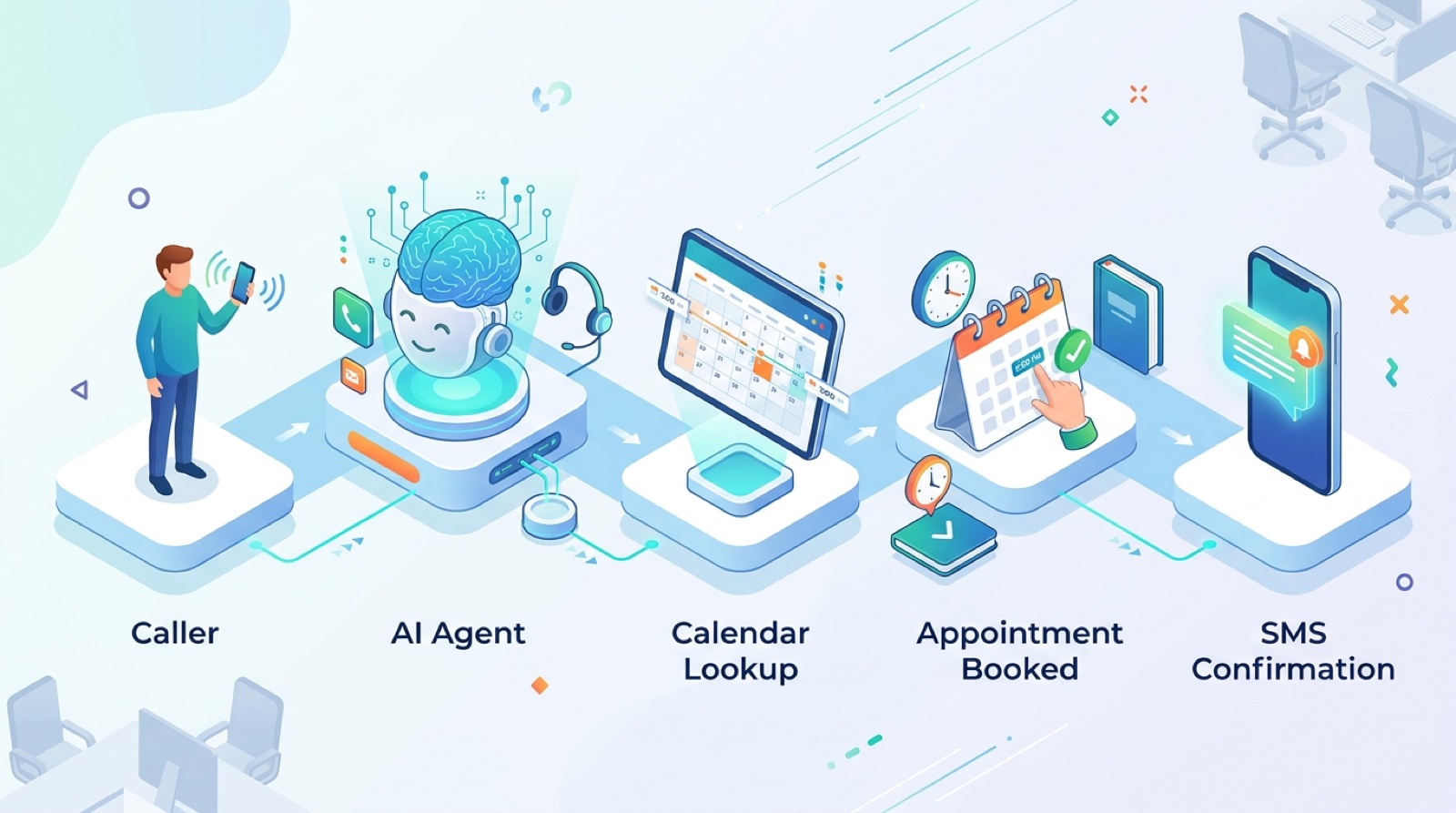
The 4 layer automation stack. Most teams use a single platform that covers all 4 layers. Forethought is the specialist for triage. Decagon is the leader for end to end resolution.
Written by Victor Smushkevich, CEO of Tested Media. Last review: April 2026. Victor has been profiled in Forbes, HuffPost, and MarketWatch on AI and digital marketing.
Talk with one of our SEO specialists today and see how we can supercharge your marketing campaigns!